Logs
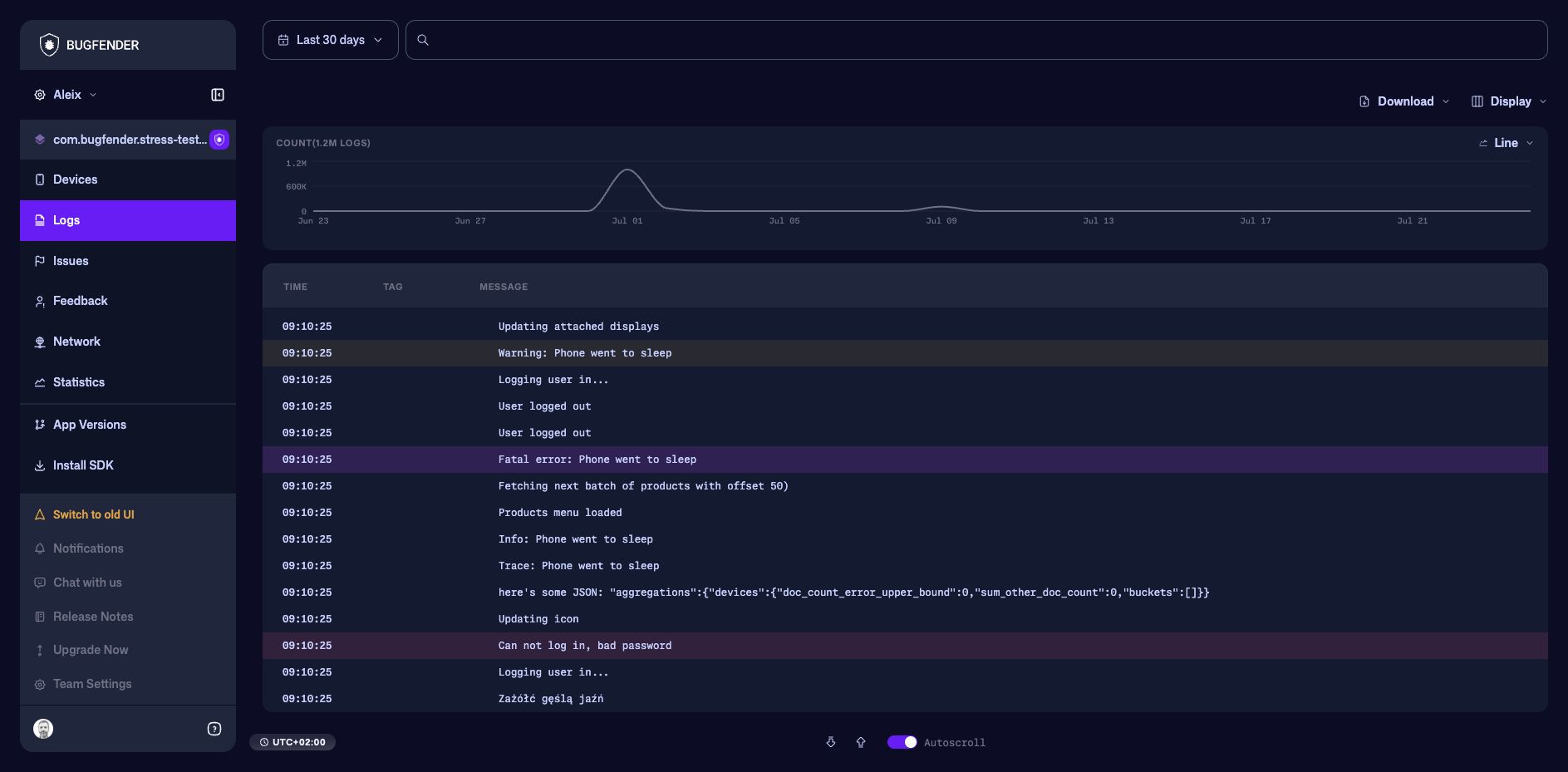
The Logs view searches the events sent by the SDK across the selected application. Use it when you know what happened or roughly when it happened, but do not yet know which device produced the event.
Logs or Devices?
The two views are different entry points to the same log viewer:
- Open Logs from the product menu to search across all matching devices.
- Open a device from Devices to use the viewer in single-device mode. The date range, filters, navigation, and downloads then apply only to that device, and Device Info is available.
Start with Devices when you know the user or installation. Start with Logs when you know the event text, tag, identifier, or time window. You can move from an application-wide result to its device when the evidence identifies the affected installation.
How the log viewer works
The log viewer is an interactive timeline, not a static table. It loads more context as you move, keeps its scope and filters in the page URL, and opens event details beside the timeline.
Bugfender also remembers supported searches for each application's Logs and Devices views in the current browser. Returning through dashboard navigation can restore the previous search. Clear its chips when beginning an unrelated investigation.
| Task | Guide |
|---|---|
| Filter by message, level, log type, tag, or device | Search and filter logs |
| Understand regular, network, crash, issue, and feedback details | Inspect log details |
| Follow live events, move between sessions, change columns, or export | Navigate and export logs |
A practical investigation
- Set a date range that covers the reported time.
- Add a structured filter such as Level is Error, Tags is Network, or Device Name is….
- Use Find when you need the messages immediately before and after matching text.
- Select an event to inspect its complete metadata or request details.
- Copy a link to the event or continue in Devices, Issues, or Network.
Include stable tags and identifiers in application logs, and attach user or account context with Custom Device Data. Avoid logging passwords, access tokens, or other sensitive information.