App Versions
The App Versions view lists the versions and builds observed by Bugfender. Use it to confirm that a release is sending data and to manage the symbols or mappings needed for readable reports.
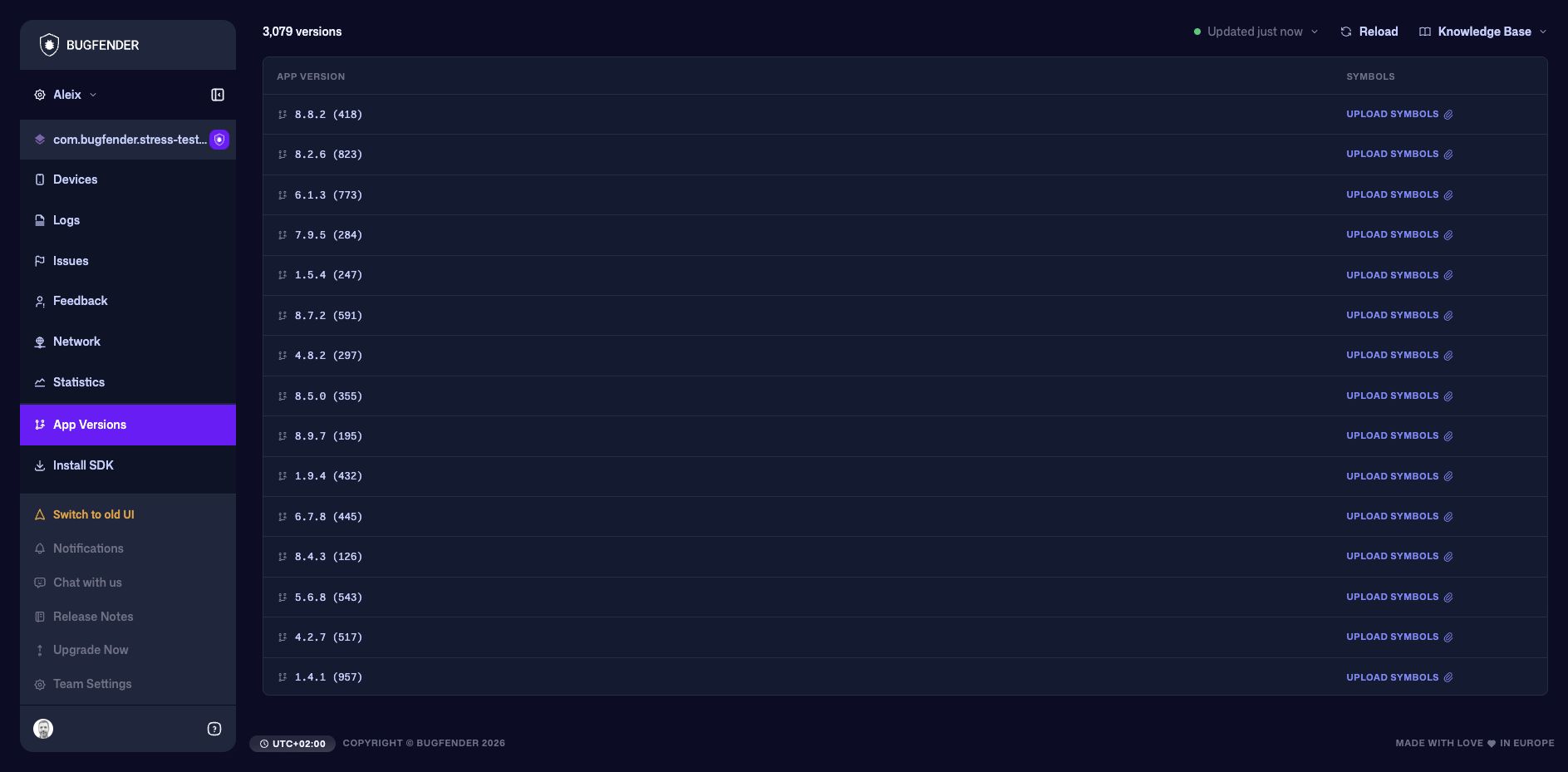
Check a release
- Confirm that the expected version and build appear after rollout.
- Use Statistics to compare adoption and reliability between versions.
- Filter Issues, Devices, or Logs when you need the underlying evidence.
Upload symbols
Select Upload Symbols for the relevant version and supply the artifact required by that platform. The application version and build metadata in the uploaded artifact must correspond to the build that produced the report.
Where possible, automate symbol or mapping upload in the release pipeline. This prevents unreadable reports when a build reaches users before its artifact has been uploaded. Follow the symbol-upload instructions in the relevant platform guide.
Keep the original build artifacts until your telemetry-retention period has passed. Rebuilding the same source can produce identifiers that do not match reports from the distributed binary.